
Every PSW agency owner reaches a point where the old system cannot keep up. But migrating to a new platform in Canada means navigating PHIPA, CRA payroll data, and HSCPOA records. Here is the checklist that prevents disaster.
You run a PSW agency in Ontario. Your current scheduling software was fine when you had 40 caregivers. Now you have 200, and the cracks are showing. You cannot track credentials in one place. Your payroll takes three hours every two weeks. Your client billing is a manual nightmare. You have decided to migrate to a connected system. But you are terrified of losing data, breaking compliance, or shutting down operations for a week.
I have been through this migration at Essential Staff. I have also helped other agency owners navigate it. The Canadian angle—PHIPA privacy rules, CRA payroll record-keeping, and HSCPOA registration tracking—is what makes it different from a US-focused migration guide. This checklist is what you need before you flip the switch.
The Problem: Most Migration Guides Ignore Canadian Compliance
The "before state" for many agency owners is paralysis. You know you need to migrate. You have read the vendor guides. They talk about data mapping, CSV exports, and testing environments. They do not talk about PHIPA, CRA payroll retention requirements, or HSCPOA registration records.
The numbers tell the story. At Essential Staff, our biweekly payroll used to take over three hours of manual work. Our credential tracking was a colour-coded spreadsheet that someone updated by hand. Our open shift alerts required calling PSWs one by one. We had 187 applicants in our database—and we were still scrambling.
Then we migrated to a connected operating system. But we did it carefully, with a Canadian-specific checklist. This guide is that checklist.
💡 Insider Tip: The biggest migration mistake is treating it as a technology project. It is not. It is a compliance project with a technology component. If your data does not survive the migration intact—with its audit trail, its retention history, and its privacy protections—you have not migrated. You have lost.
Why This Matters Right Now in 2026
Three trends are making migration urgent for Canadian PSW agencies.
First, the home care software market is in flux. CareSmartz360 and AxisCare both published major updates in May 2026—but they are US-focused. Canadian agencies are being sold tools that do not account for PHIPA, CRA placement-agency rules, or HSCPOA registration.
Second, HSCPOA registration is now a de facto requirement for many placements. Your new system must track HSCPOA registration status alongside PSW certificates, police checks, and CPR certifications. If you migrate and lose that data, you are out of compliance on day one.
Third, CRA is intensifying audits of staffing agencies. Your payroll records must be retained and auditable. If your migration does not preserve the full payroll history—including source deductions, CPP, EI, and T4 data—you are exposed.
The Solution: A Canadian Data Migration Checklist
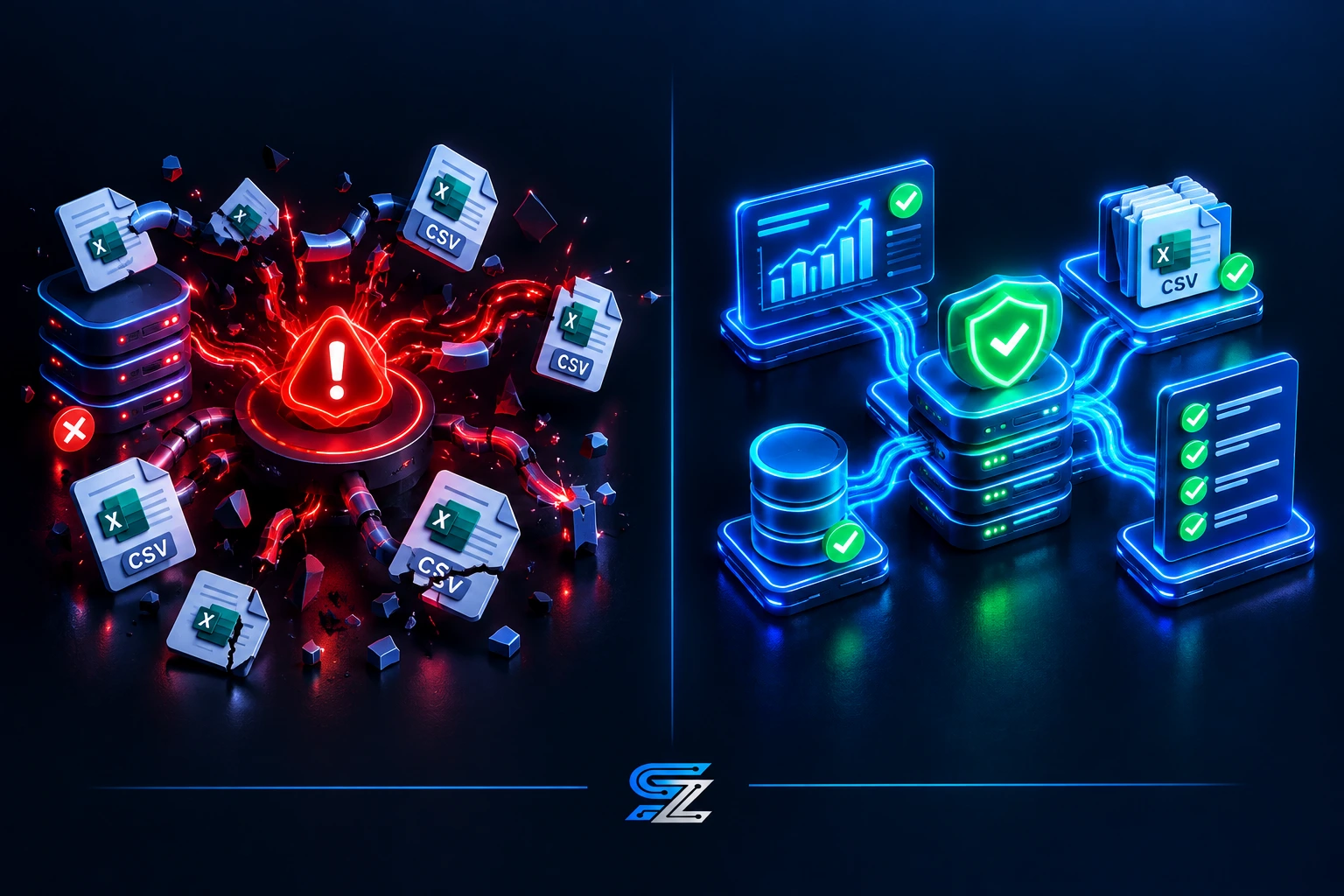
Here is the before-and-after comparison of a migration done right versus a migration done wrong.
Done Wrong | Done Right |
You export CSVs and hope for the best. | You map every data field to the new system before exporting. |
You migrate during a payroll week and pray nothing breaks. | You schedule the migration during a quiet period and run parallel payroll for one cycle. |
You lose the audit trail for credential verification. | You preserve the full history of every credential check, expiry alert, and renewal. |
You do not account for PHIPA consent records. | You migrate consent records with the same privacy protections as the source system. |
You forget HSCPOA registration numbers. | HSCPOA status is a required field in the new system, verified before go-live. |
You have no plan for CRA payroll retention. | Your new system preserves seven years of payroll data in an auditable format. |
Need help migrating your PSW agency software? See how SYNERZ builds this for Canadian agencies → www.synerz.ca
Pipeline Process Breakdown: The 7-Step Migration
Step 1: Audit Your Current Data
List every piece of data your current system holds: caregiver profiles, credentials, client records, scheduling history, timesheets, payroll records, invoices, and consent forms. Identify which fields are compliance-critical and which are operational.
Step 2: Map Data to the New System
For each field in the old system, identify the corresponding field in the new system. This is where migrations fail. If your old system tracked a credential type that the new system does not, you need to add it before migration—not after.
Step 3: Plan for PHIPA Compliance
Under PHIPA, personal health information must be protected throughout its lifecycle. Your migration plan must include:
Encryption in transit and at rest
Access controls on the new system
Audit logs showing who accessed what and when
A retention schedule that complies with PHIPA and CRA requirements
Step 4: Preserve CRA Payroll History
CRA requires employers to retain payroll records for a minimum of six years. Your new system must preserve:
Every pay period's gross and net pay
CPP, EI, and tax deductions
T4 data
Records of employment
Source deduction remittances
Step 5: Migrate HSCPOA Registration Records
HSCPOA registration is now a de facto requirement for many placements. Your new system must track:
Registration status (active, inactive, expired)
Registration number
Renewal dates
Public Register verification history
Step 6: Run a Parallel Payroll Cycle
Before you cut over, run one full payroll cycle in both the old system and the new system. Compare the outputs. If they do not match to the penny, you are not ready to migrate.
Step 7: Train Your Team
A migration is not complete until your team can use the new system. Train schedulers, payroll administrators, and compliance staff. Give them time to practice before go-live.
Real Results From a Live Ontario Agency
At Essential Staff, we migrated to a connected operating system after three years of running on fragmented tools. The migration was not painless, but it was manageable because we followed a checklist.
Before migration: 187 applicants in our database, payroll took 3+ hours manually, credential tracking was a spreadsheet, open shift alerts were manual phone calls.
After migration: 600+ applicants, payroll takes 18 minutes, credential alerts fire automatically at 30, 14, and 7 days before expiry, open shift alerts reach 600+ PSWs in under 3 minutes. We have run 26 payroll cycles per year for 3 years with zero CRA penalties.
We use Odoo 19 Enterprise to run this system. It connects our recruitment, credential tracking, scheduling, payroll, and billing into one operating core. But the migration is what made it possible.
Step-by-Step — How to Get Started
Document Your Current Systems: List every system you use and what data it holds.
Identify Compliance-Critical Data: Which fields must be migrated intact for PHIPA, CRA, and HSCPOA compliance?
Choose a Canadian-Ready Platform: Not all systems handle PHIPA, CRA, and HSCPOA. Verify before you commit.
Build a Data Map: Field-by-field mapping from old system to new.
Run a Parallel Cycle: Test payroll and scheduling in both systems before cut-over.
Train Your Team: Give everyone time to learn the new system.
Cut Over and Monitor: Migrate, then monitor closely for the first 30 days.
Common Mistakes to Avoid
1. Migrating Without a Data Map
If you cannot say exactly where every field will land in the new system, you are not ready to migrate.
2. Ignoring PHIPA
PHIPA compliance is not optional. Your migration must preserve privacy protections for personal health information.
3. Losing CRA Payroll History
CRA requires six years of payroll records. If your migration loses them, you are exposed to penalties.
4. Forgetting HSCPOA Records
HSCPOA registration is now a de facto requirement. Your new system must track it.
5. Cutting Over Without a Parallel Cycle
Never cut over without running at least one full payroll cycle in both systems.
Closing CTA
Book a free 20-minute Software Migration Review. We review your current systems and give you a clear picture of your migration options. No pitch. No obligation. Just clarity.
📧 info@synerz.ca | 📞 +1 647 493 8110 | 🌐 www.synerz.ca
Frequently Asked Questions
What is homecare software migration Canada?
Homecare software migration Canada is the process of moving a Canadian PSW or homecare agency from one software system to another, while preserving compliance with PHIPA, CRA payroll rules, and HSCPOA registration requirements.
What data must be preserved during migration?
You must preserve caregiver profiles, credentials, HSCPOA registration records, client records, scheduling history, timesheets, payroll records, and invoices. CRA requires six years of payroll history. PHIPA requires privacy protections for personal health information.
How long does a software migration take?
A typical migration for a small to mid-size PSW agency takes four to eight weeks, including data mapping, parallel testing, and team training.
What is PHIPA and how does it affect migration?
PHIPA is Ontario's Personal Health Information Protection Act. It governs how personal health information is collected, used, and disclosed. Your migration must preserve privacy protections for all personal health information.
What is the biggest risk in software migration?
The biggest risk is losing compliance-critical data—credential records, HSCPOA registration, and CRA payroll history. If your migration loses those, you are exposed to penalties.
Should I migrate during a payroll week?
No. Migrate during a quiet period and run at least one parallel payroll cycle before cut-over. This ensures the new system produces accurate results.
Author: Munawar Abbas — Founder & CEO, SYNERZ