
The new PSW Tax Credit is a $1,100 annual benefit for eligible workers—but only if your payroll system can handle employer certification. Here's what every Ontario PSW agency owner needs to know.
If you run a PSW agency in Ontario, you have probably heard about the new PSW Tax Credit.
Maybe your PSWs have asked about it. Maybe you are not sure what it means for your payroll. Maybe you are wondering how to certify your employees' earnings.
Here is what I know after running payroll for a live PSW agency in St. Thomas, Ontario for three years: This tax credit is a big deal for your PSWs—but it creates new obligations for your agency.
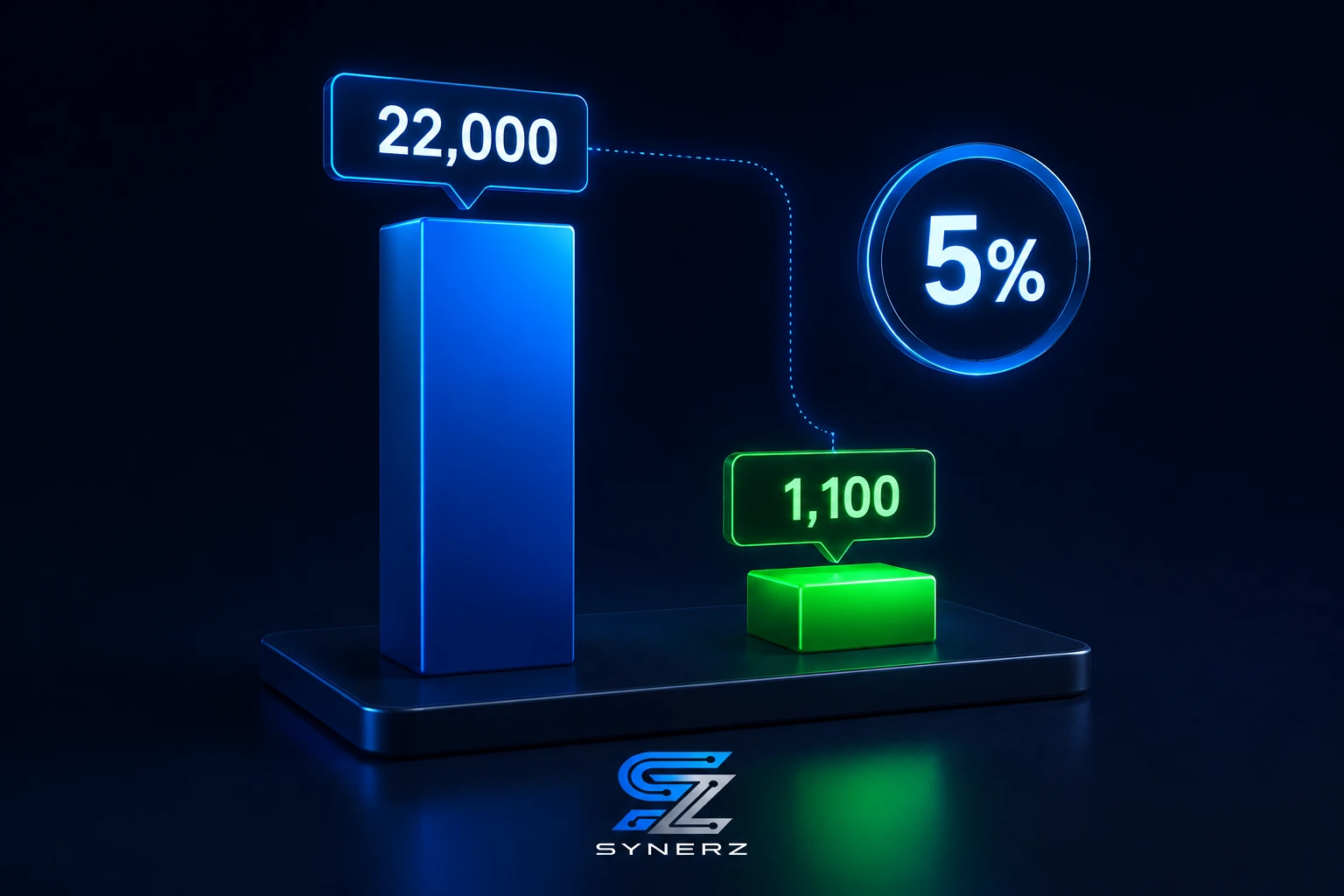
The federal government introduced the Personal Support Workers Tax Credit in Budget 2025 . It is a temporary, refundable tax credit available for five years, from 2026 to 2030 . Eligible PSWs can claim 5% of their earnings, up to a maximum of $1,100 per year .
But here is the catch: your agency must certify your PSWs' eligible earnings to the CRA . If your payroll system cannot handle this, your PSWs cannot claim the credit.
This blog walks you through what the PSW Tax Credit means for your agency—and how to ensure your payroll is ready.
The Problem: Employer Certification Is a New Payroll Obligation
The PSW Tax Credit is not automatic. Your PSWs cannot just claim it on their tax return without your help.
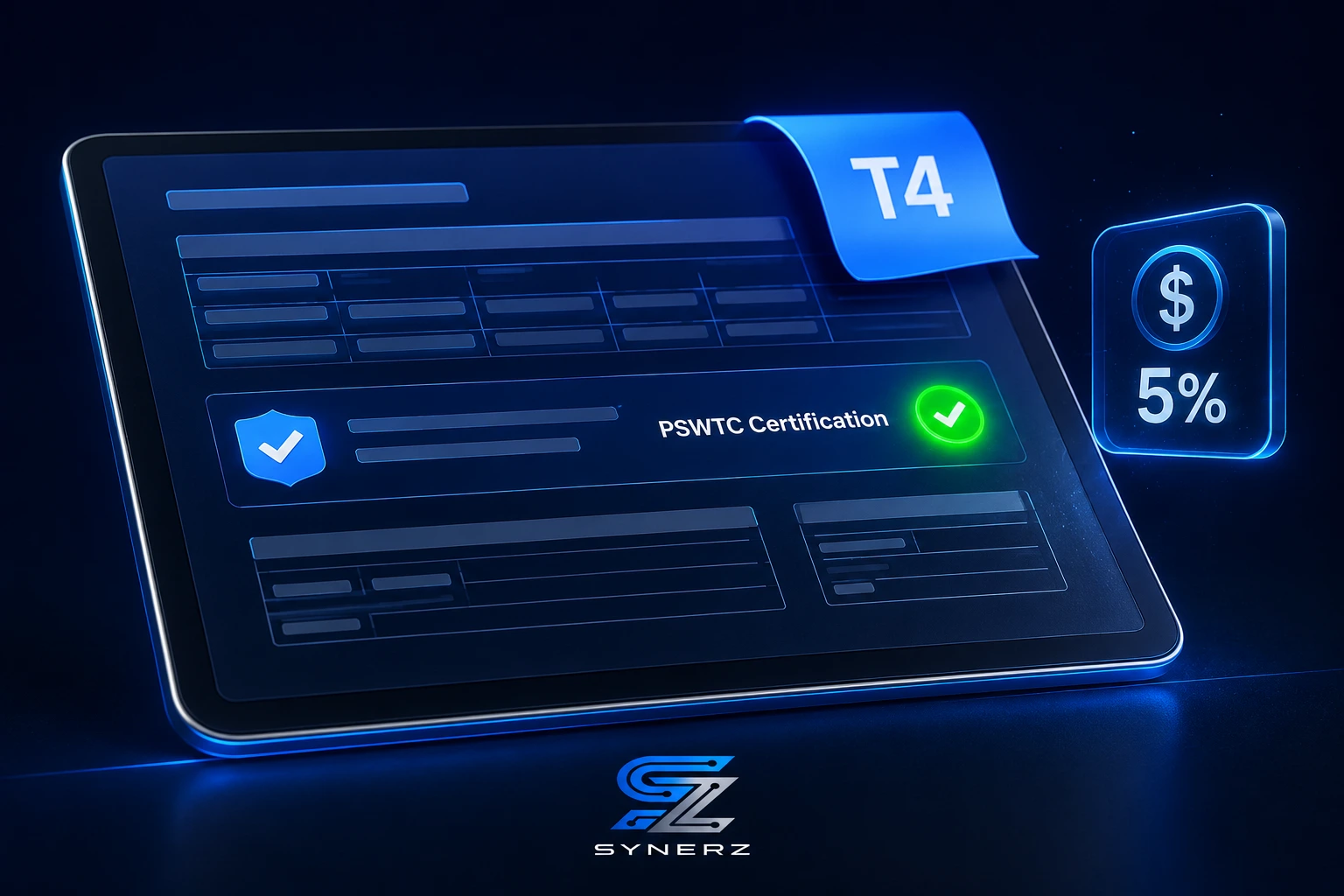
The CRA requires employers to certify the eligible earnings for each PSW . This is typically done on the T4 slip, in the "other information" section . If you have multiple PSWs, you must certify each one individually.
This creates a new payroll obligation for PSW agencies.
First, you need to track which PSWs are eligible. The credit applies to PSWs employed by eligible health care establishments, such as hospitals, nursing homes, and home health care agencies . If your agency qualifies, your PSWs are potentially eligible.
Second, you need to calculate eligible earnings. The credit applies to taxable employment income, including wages, salaries, benefits, overtime pay, and shift premiums . It does not apply to non-PSW jobs, unregulated facilities, or private cash-based care .
Third, you need to certify the earnings on the T4. This means your payroll system must be able to generate T4 slips with the new CRA-prescribed code and the dollar amount of eligible PSW earnings .
For agencies still using manual payroll spreadsheets, this is a nightmare. It is yet another thing to track, calculate, and certify. And if you get it wrong, your PSWs lose their tax credit.
Why This Matters Right Now in 2026
The PSW Tax Credit is one of the most significant financial developments for PSWs in recent years.
First, the credit is worth up to $1,100 per year . For a PSW earning $22,000 or more, this is the full amount . For a part-time PSW earning $18,000, it is $900 . This is real money for your workers.
Second, the credit is refundable . This means PSWs receive the benefit even if they owe little or no income tax . It is a direct financial boost to their take-home pay.
Third, the credit is temporary. It is available only for five years, from 2026 to 2030 . PSWs need to claim it each year they are eligible. They cannot go back and claim it later.
Fourth, PSWs in British Columbia, Newfoundland and Labrador, and the Northwest Territories are ineligible due to existing wage-support agreements with the federal government . In Ontario, your PSWs are eligible.
Fifth, the credit is attracting more people to the profession. The $10,000 PSW Return of Service incentive (HealthForceOntario) is already drawing new workers. The PSW Tax Credit adds another incentive. This means more applicants, but also more need for accurate payroll certification.
The bottom line: The PSW Tax Credit is a significant benefit for your PSWs—and a significant payroll obligation for your agency.
The Solution: A Connected Payroll System That Handles PSW Tax Credit Certification
The solution is a connected payroll system that automates PSW Tax Credit certification.
At Essential Staff, we use the system we implement—built on Odoo 19 Enterprise—to manage payroll, employee records, and tax reporting in one connected flow.
Here is how the connected system changes PSW Tax Credit certification:
Before (Manual Process) | After (Connected System) |
Payroll clerk manually tracks which PSWs are eligible. | The system identifies eligible PSWs based on employment type and job duties. |
Clerk manually calculates eligible earnings for each PSW. | The system auto-calculates eligible earnings from payroll data. |
Clerk manually enters the certification on each T4. | The system auto-generates T4 slips with the correct PSWTC code and amount. |
Clerk manually reconciles errors and omissions. | Errors are eliminated by automation. |
What the Connected System Does Differently
First, it identifies eligible PSWs. The system tracks each employee's job title, job duties, and employer type. It flags which PSWs are eligible for the tax credit based on the CRA criteria .
Second, it calculates eligible earnings. The system pulls wage, salary, overtime, and shift premium data from the payroll records. It excludes income from non-PSW jobs or ineligible settings. It calculates the exact amount that needs to be certified.
Third, it auto-generates T4s with the PSWTC certification. The system generates T4 slips with the new CRA-prescribed code and the dollar amount of eligible PSW earnings in the "other information" section . Your PSWs can then use these T4s to claim the credit on their tax returns.
Fourth, it ensures accuracy. The system catches errors before the T4s are generated. This means no missed certifications, no incorrect amounts, and no CRA penalties.
This is not a theory. This is how we operate every day at Essential Staff.
💡 Insider Tip
Run a pre-T4 report before generating your T4s. Review it for every PSW. Check that the eligible earnings are correct, that the PSWTC code is present, and that the certification is included. A connected system generates this report in seconds. Catching errors before filing is far easier than fixing them after.
How the PSW Tax Credit Certification Pipeline Works
Here is how we handle PSW Tax Credit certification in our connected system at Essential Staff.
Step 1: Eligibility Identification
The system identifies which PSWs are eligible for the tax credit. It checks that the PSW works for an eligible health care establishment, that their main duties include assisting with activities of daily living, and that they provide one-on-one care and essential support . The system flags eligible PSWs automatically.
Step 2: Eligible Earnings Calculation
The system calculates eligible earnings for each eligible PSW. It pulls data from payroll records, including wages, salaries, benefits, overtime pay, and shift premiums . It excludes income from non-PSW jobs, unregulated facilities, and other ineligible sources.
Step 3: T4 Generation
The system generates T4 slips for each PSW. It includes the PSWTC certification in the "other information" section, with the new CRA-prescribed code and the dollar amount of eligible earnings .
Step 4: Review and Approval
The payroll administrator reviews the T4s before they are distributed. They check that the eligible earnings are correct, that the certification is included, and that all PSWs have been accounted for.
Step 5: Distribution and Filing
The system distributes the T4s to PSWs (electronically or by mail). It also files the T4s with the CRA. Your PSWs can then use the T4s to claim the PSW Tax Credit on their tax returns.
Real Results From a Live Ontario Agency
Essential Staff is a live PSW agency in St. Thomas, Ontario. The PSW Tax Credit certification I am describing is how we handle it every day.
We track eligibility for every PSW in our database. Our system auto-calculates eligible earnings and generates T4s with the correct PSWTC certification. We have zero errors in our T4 filings. And our PSWs can confidently claim the tax credit.
Three years of operation, zero CRA penalties. We have never had a PSW complain that their T4 was missing the PSWTC certification. And we have never been audited for payroll errors.
No competitor can replicate this proof because it comes from our own live agency operations. We are not selling a theory. We are selling a system we already use every day.
Step-by-Step: How to Get Started with PSW Tax Credit Certification
You do not need to buy a whole system today to start handling PSW Tax Credit certification. Here are actionable steps you can take right now, even without SYNERZ.
Identify Your Eligible PSWs. Check which of your PSWs work for an eligible health care establishment, provide one-on-one care, and assist with activities of daily living . Flag them for certification.
Calculate Eligible Earnings. For each eligible PSW, calculate their taxable employment income from PSW duties. Include wages, salaries, benefits, overtime pay, and shift premiums . Exclude income from non-PSW jobs.
Check the CRA's PSWTC Requirements. Review the CRA's guidance on the PSW Tax Credit. Ensure you understand the certification requirements, including the new code and the "other information" section on the T4 .
Prepare Your T4s. If you are using payroll software, check that it supports the PSWTC certification. If you are using manual spreadsheets, create a process for adding the certification to each eligible PSW's T4.
Communicate with Your PSWs. Tell your PSWs about the PSW Tax Credit. Explain that they need to claim it on their tax returns, and that your agency will certify their eligible earnings on their T4s.
Common Mistakes to Avoid
Mistake 1: Not Certifying PSW Earnings on the T4
If you do not certify your PSWs' eligible earnings on their T4s, they cannot claim the tax credit. This will cause frustration and potentially drive PSWs to other agencies that do certify.
Mistake 2: Incorrectly Calculating Eligible Earnings
The credit applies only to eligible PSW earnings . If you include income from non-PSW jobs or ineligible settings, you will over-certify. If you exclude eligible earnings, your PSWs will get less credit.
Mistake 3: Missing the CRA's PSWTC Code
The CRA requires the PSWTC code to be included in the "other information" section of the T4 . If you miss this, the T4 will not be accepted for the credit.
Mistake 4: Waiting Until the Last Minute
T4s must be distributed by the end of February each year. Waiting until the last minute increases the risk of errors. Start your PSWTC certification process early.
Mistake 5: Not Communicating with Your PSWs
Many PSWs do not know about the tax credit or how to claim it. Tell them about it. Provide clear instructions on how to use their T4 to claim the credit.
Ready for a Clear Picture of Your PSW Tax Credit Certification?
Book a free 20-minute payroll review. We review your current payroll process and give you a clear picture of where your agency stands. No pitch. No obligation. Just clarity.
📧 info@synerz.ca | 📞 +1 647 493 8110 | 🌐 www.synerz.ca
Frequently Asked Questions
What is the PSW Tax Credit for 2026?
The PSW Tax Credit is a temporary, refundable tax credit for eligible personal support workers. It is worth 5% of eligible earnings, up to a maximum of $1,100 per year. It is available for five years, from 2026 to 2030 .
Who is eligible for the PSW Tax Credit?
Eligible PSWs must work for an eligible health care establishment, provide one-on-one care and essential support, and assist with activities of daily living . PSWs in British Columbia, Newfoundland and Labrador, and the Northwest Territories are ineligible .
How do PSWs claim the PSW Tax Credit?
PSWs claim the credit on their tax return. Their employer must certify their eligible earnings on their T4 slip, in the "other information" section . The PSW then enters the eligible earnings on the new PSWTC line of their T1 .
What is the employer's role in the PSW Tax Credit?
Employers must certify their PSWs' eligible earnings on their T4 slips . This includes providing the new CRA-prescribed PSWTC code and the dollar amount of eligible earnings. Employers also need to ensure the calculation is accurate.
How does a connected payroll system help with PSW Tax Credit certification?
A connected payroll system auto-identifies eligible PSWs, auto-calculates eligible earnings, and auto-generates T4s with the PSWTC certification . This eliminates manual data entry, reduces errors, and ensures compliance.
What happens if I don't certify my PSWs' earnings?
If you do not certify your PSWs' eligible earnings on their T4s, they cannot claim the tax credit. This will cause frustration and potentially drive PSWs to other agencies that do certify.
Is the PSW Tax Credit the same as the PSW Wage Enhancement?
No. The PSW Wage Enhancement is a provincial wage top-up for PSWs and DSWs in Ontario. The PSW Tax Credit is a federal tax credit for eligible PSWs. They are separate and can be stacked .
Author: Munawar Abbas — Founder & CEO, SYNERZ